
Showcase
Nobody counts the samples
Samples cost pennies, so nobody counts them, until the drawer is empty on the day a big customer asks.
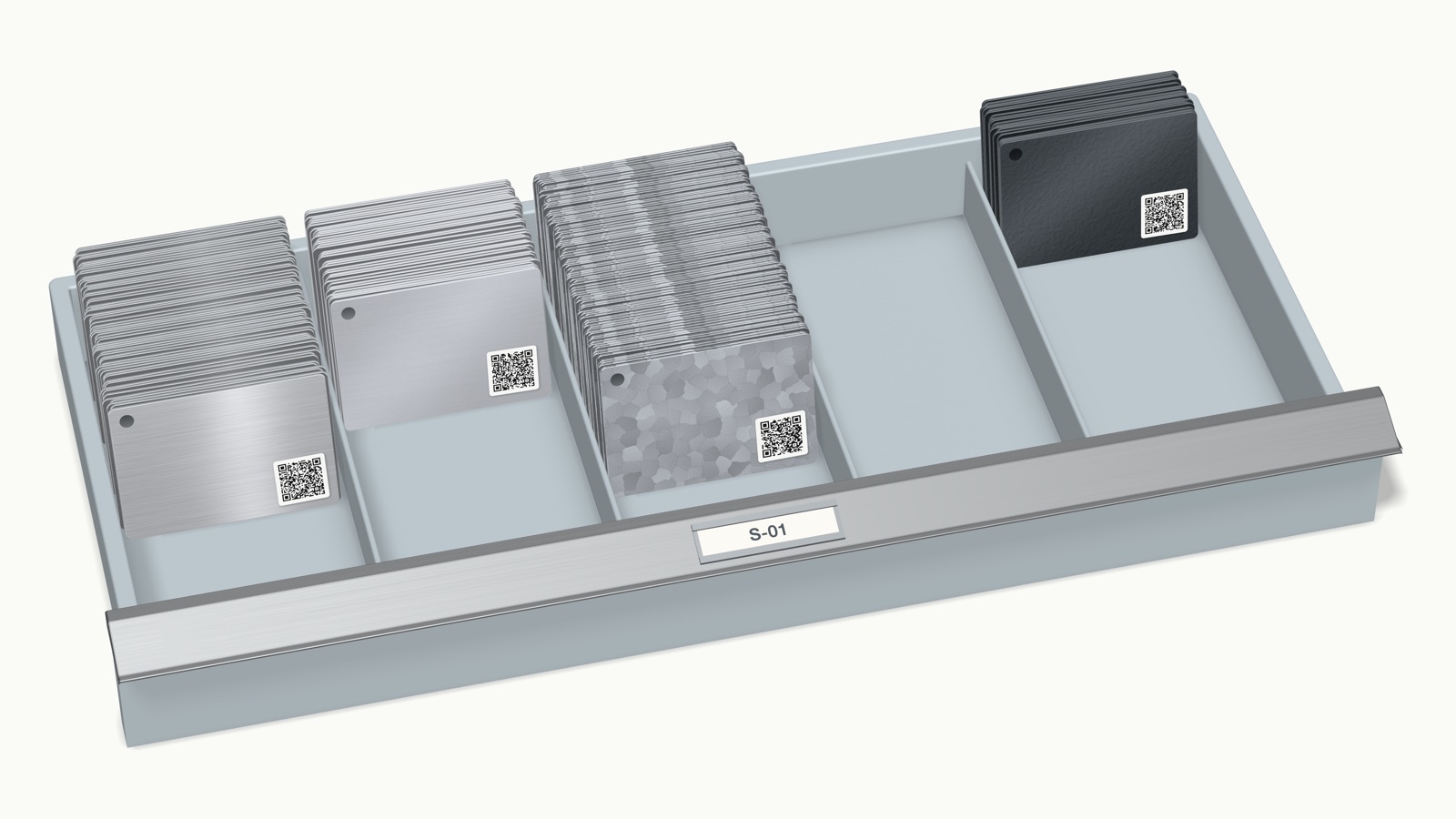
Every manufacturer I've met has a sample drawer.
It's usually by the door, and nobody owns it. It holds the little squares, plates, swatches and offcuts that go out to customers who are still making up their minds. Each one costs pennies, so nobody counts them, and most of the time that's no problem.
Then your best customer of the year asks for anthracite grey and the drawer only has galvanised. Or two people spot that it's getting low on the same afternoon, both reorder, and you have a year's supply of brushed stainless. Or the website keeps taking sample orders for a finish that ran out last week.
A sample is stock. It arrives from a supplier, sits on a shelf, goes out in an envelope and runs out, like anything else you sell. It just doesn't get counted.
What we built
One of our customers is a UK manufacturer that posts samples every day, and they asked us to get this under control: samples coming off stock as orders arrive, the right one in each envelope, labels without retyping addresses, a reorder before the drawer empties, and a record of where every sample went.
We built it from five SmartFACT products, and it's being set up for their go-live now. We can't show their orders, so the showcase uses an example firm: an engineering company in Brighouse that sends out finish sample plates.
One order, start to finish
A customer comparing finishes orders one brushed stainless plate and one anodised aluminium. The shop takes the order, SmartFACT Data passes it to StoresFlow, and both plates come off stock without anyone typing anything. At the same moment the pick ticket prints at the picking bench.
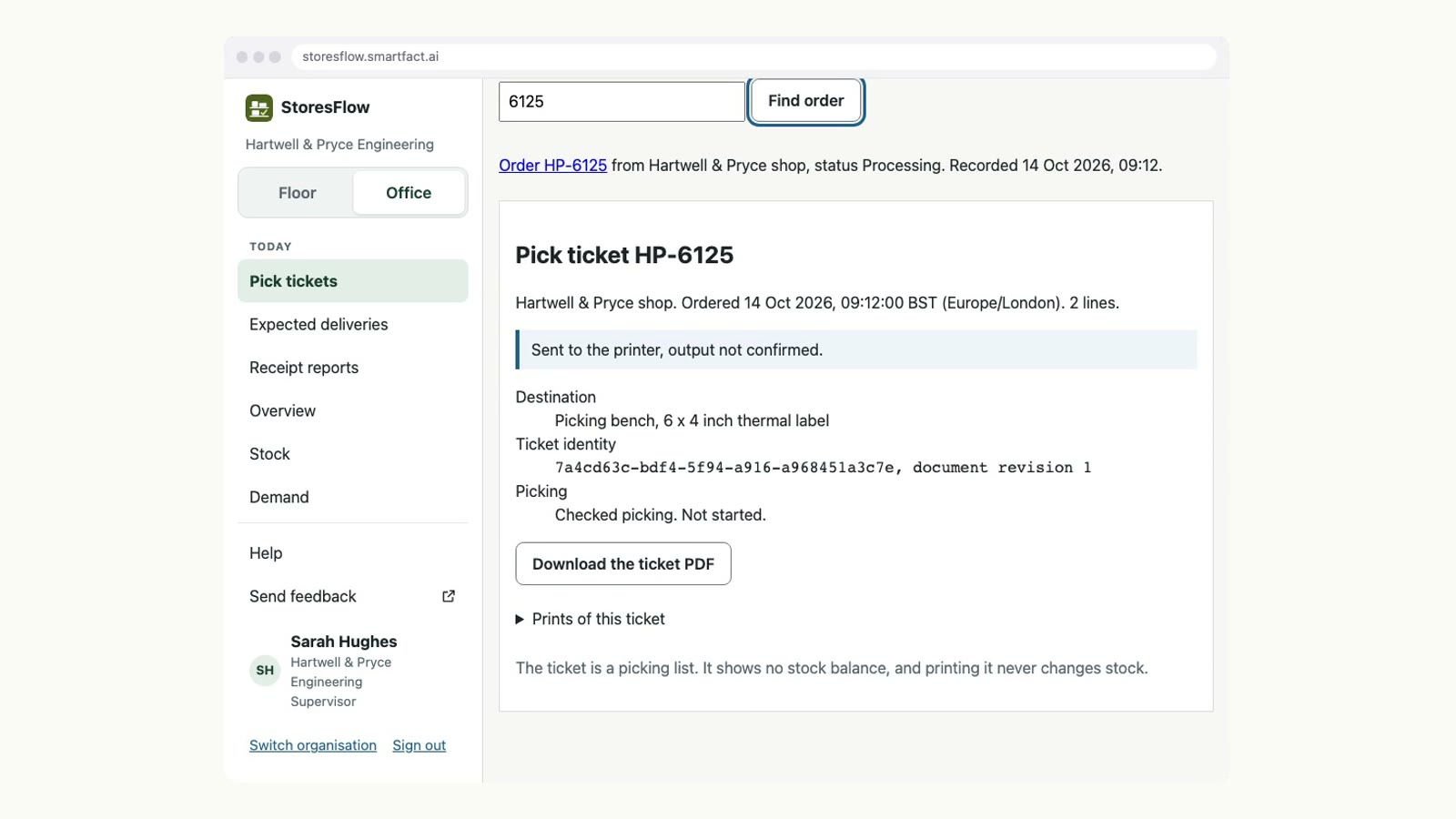
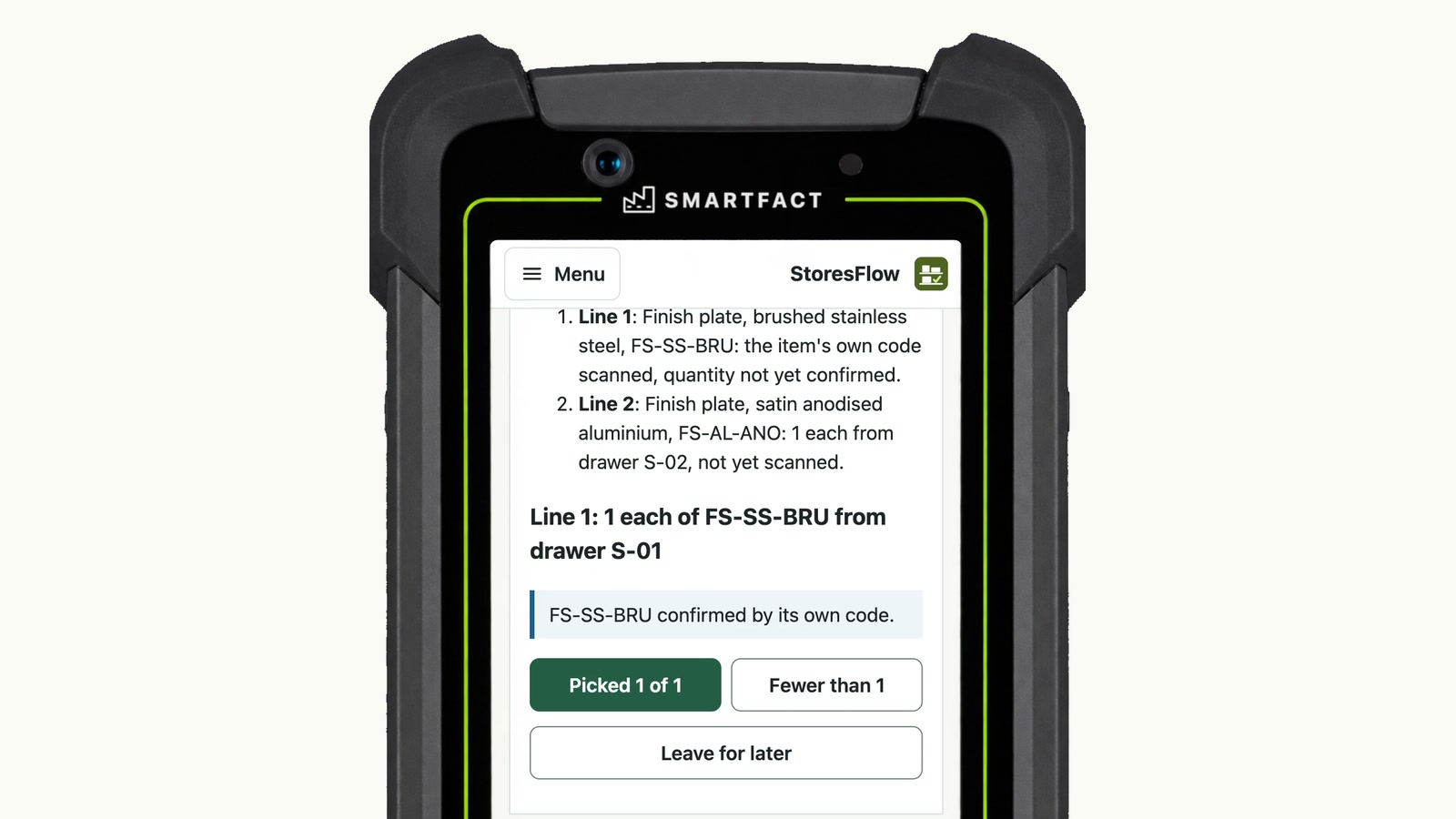
The picker scans the ticket, then each plate. This is the part I like most. The plates already had a QR code on them, put there so customers could look the finish up on the website. StoresFlow accepts that code as the plate's own, so scanning it confirms the right finish is going in the envelope, and nobody had to print a single new label.
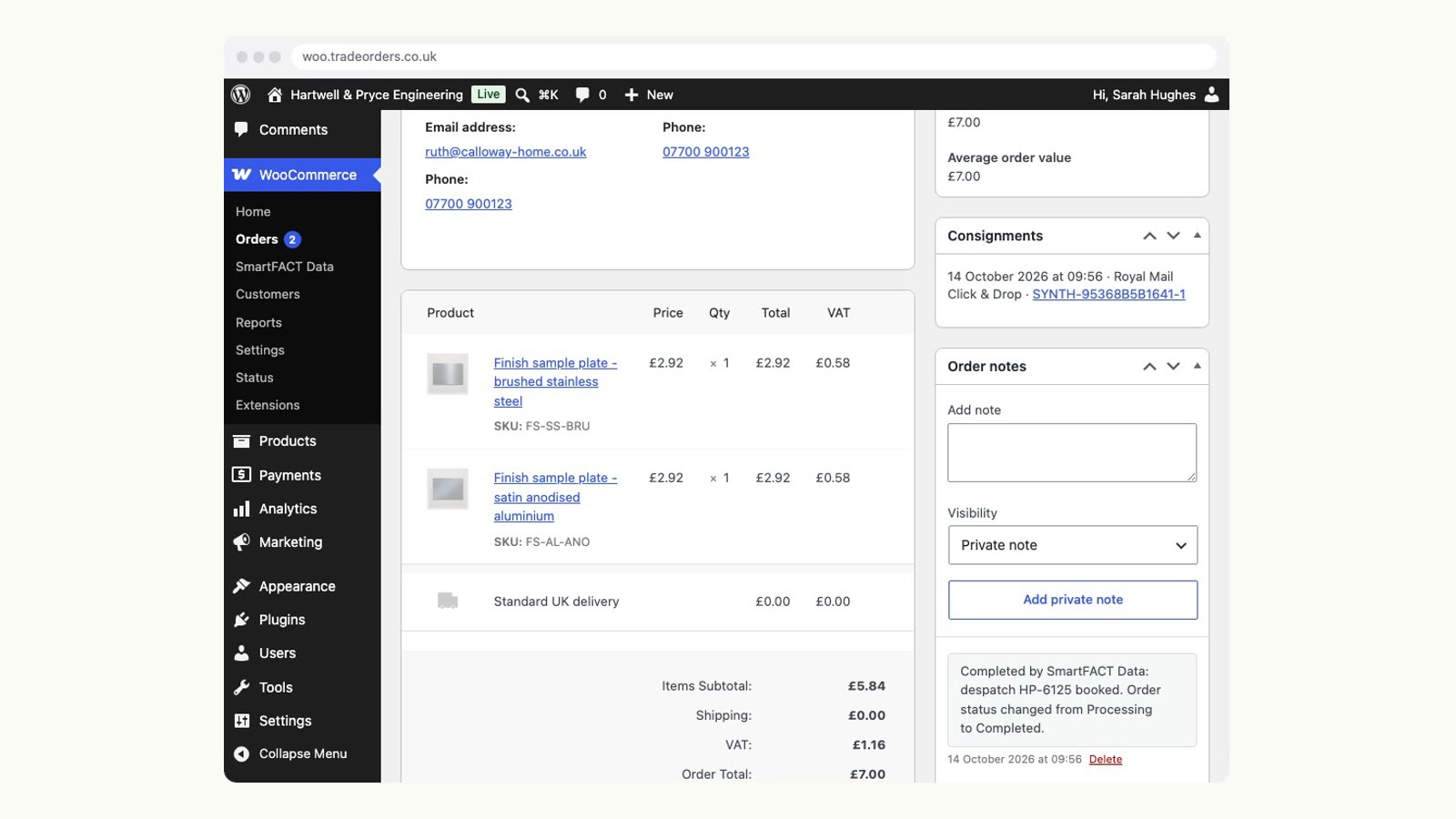
At the despatch bench the packer scans the same ticket, and ParcelOffice books the Royal Mail label and prints it. If the ticket gets scanned a second time, ParcelOffice shows the booking it already made instead of booking another.
The shop then marks the order completed with its tracking number, so the customer can see it's on its way.
When a plate runs low, StoresFlow raises a request in SmartFACT Purchasing. Someone turns it into an order for the supplier, and it only goes out once a supervisor has approved it. When the delivery arrives, it's booked in against that order.
How strict should picking be?
That depends on what a mistake costs you.
For some businesses a printed pick list is enough. Once the wrong finish starts costing you customers, it's worth scanning each plate or its drawer. In a proper warehouse you'd scan everything and ask for a reason whenever someone overrides a check. StoresFlow has a setup for each of those, and you can move from one to the next as you grow.
The showcase has the full tour, with every screen: sample stock, handled end to end. The walkthrough video covers the same ground, from the shop order to the supplier's delivery.
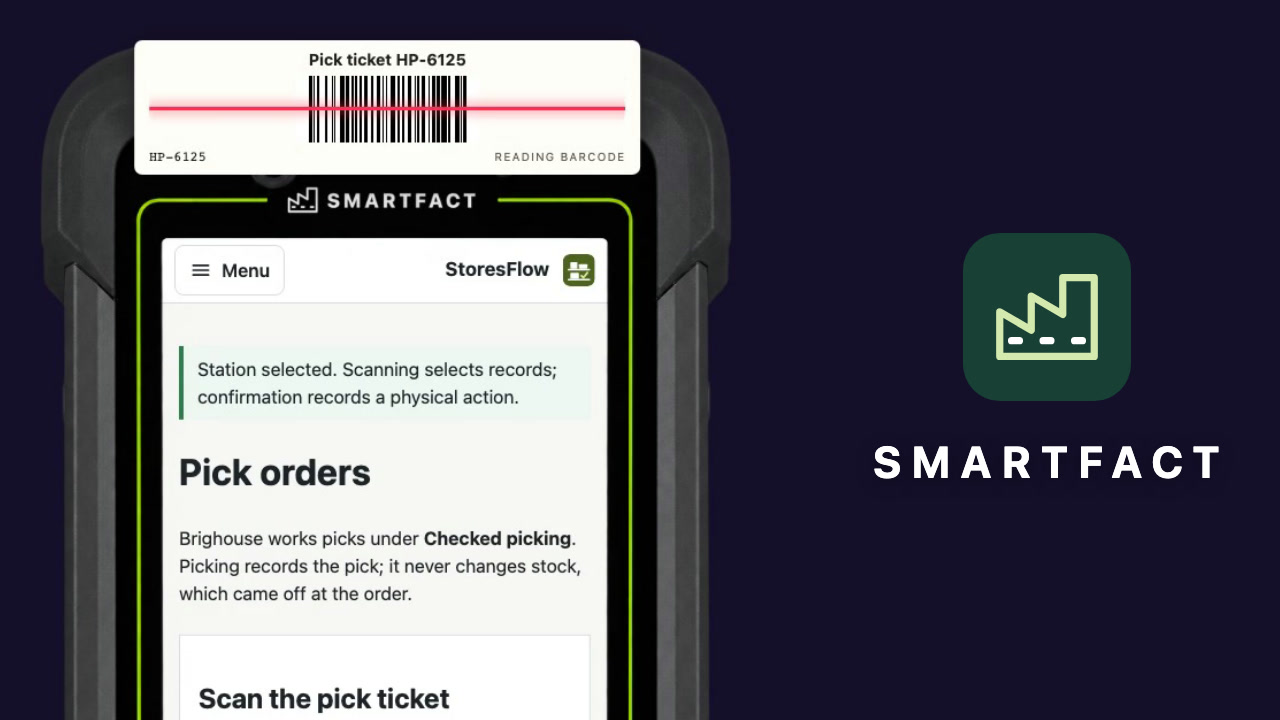
The plates are rendered from code. The screenshots are from the SmartFACT products, with an example company.